Your calendar,
in plain English.
Almanac is a calendar and task manager for macOS that lives in your menu bar. Type what you mean — “coffee with Dana Tuesday at 4 at Blue Bottle” — and it’s scheduled, with the time, place, alerts and video call already filled in.
For macOS 14 and later · Free during the preview

Everything a great calendar should do.
Fast to use from the menu bar, powerful when you open the full window.
Type like you talk
Dates, times, ranges, places, invitees, repeats, alerts and tasks — understood from one sentence, with a live preview.
Every view
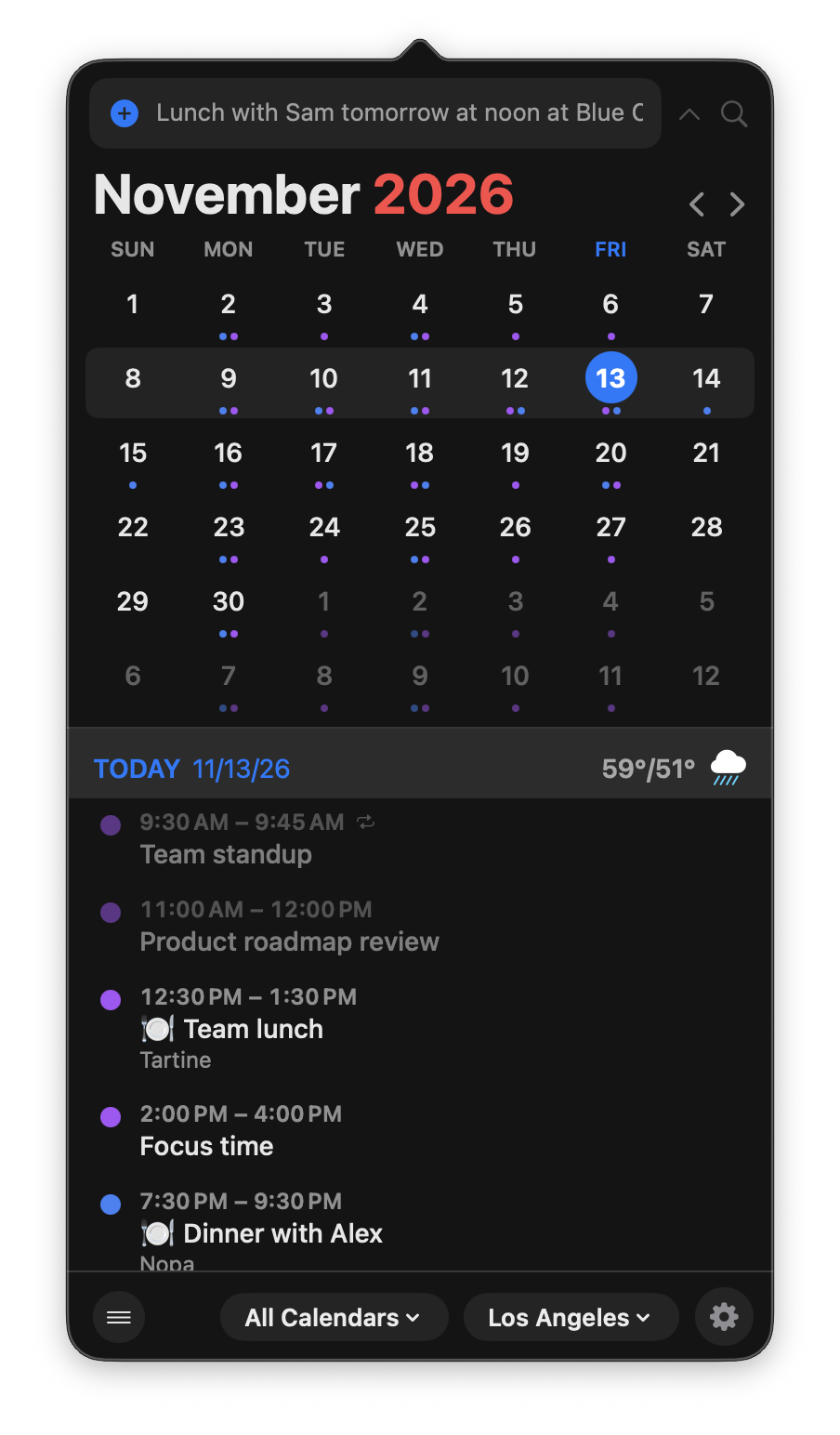
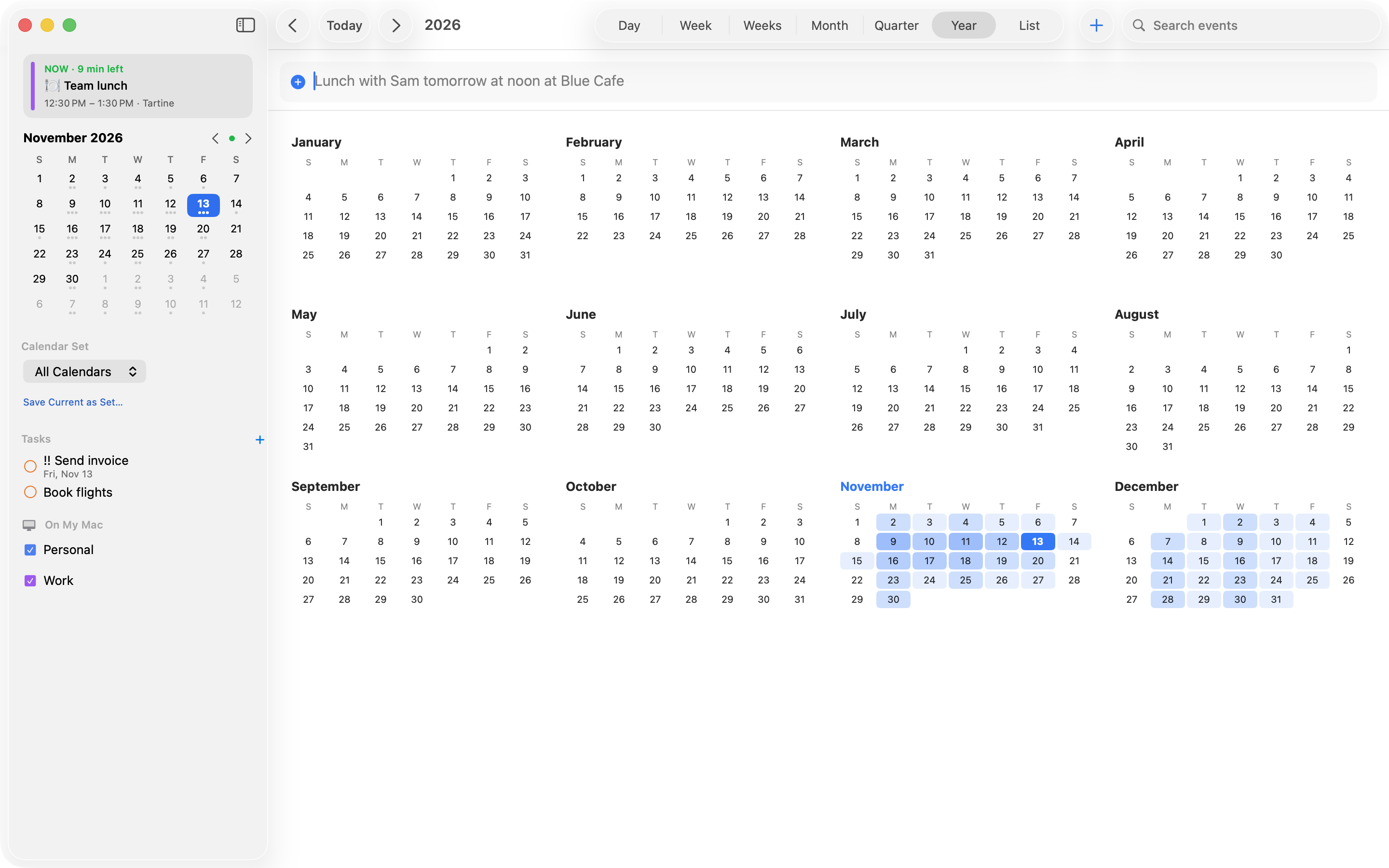
Day, week, multi-week, month, quarter, year and list — with drag to create, move and resize.
Meetings, handled
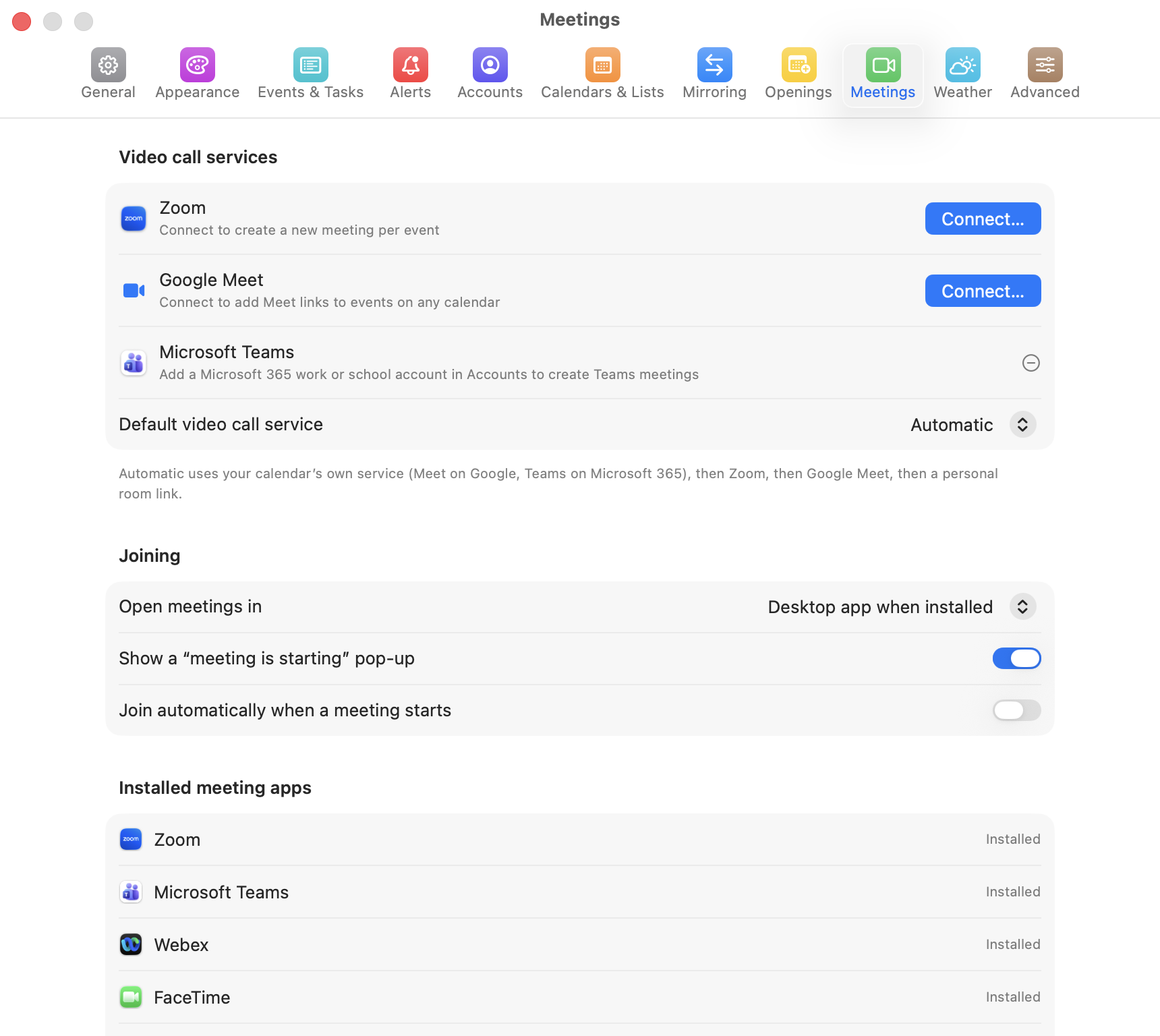
One click to join Zoom, Teams, Meet or Webex. Add a fresh Zoom or Meet link to any event automatically.
Find a time
See everyone’s free/busy, hold several options, and share your availability or a booking page.
Tasks next to events
Google Tasks, Microsoft To Do, Todoist and local lists — drag a task onto your day to block time for it.
Weather & time zones
Forecasts in your calendar, extra time-zone columns, and “time to leave” alerts based on travel time.
Say it. It’s scheduled.
Create and change events without touching a form.
Lunch with Sam tomorrow 12:30–1:30pm at Blue Cafe
Standup every weekday at 9:30am for 15 min /work
todo send invoice friday !!
move standup to 10am · push lunch by 30 min
Your day, one click away.
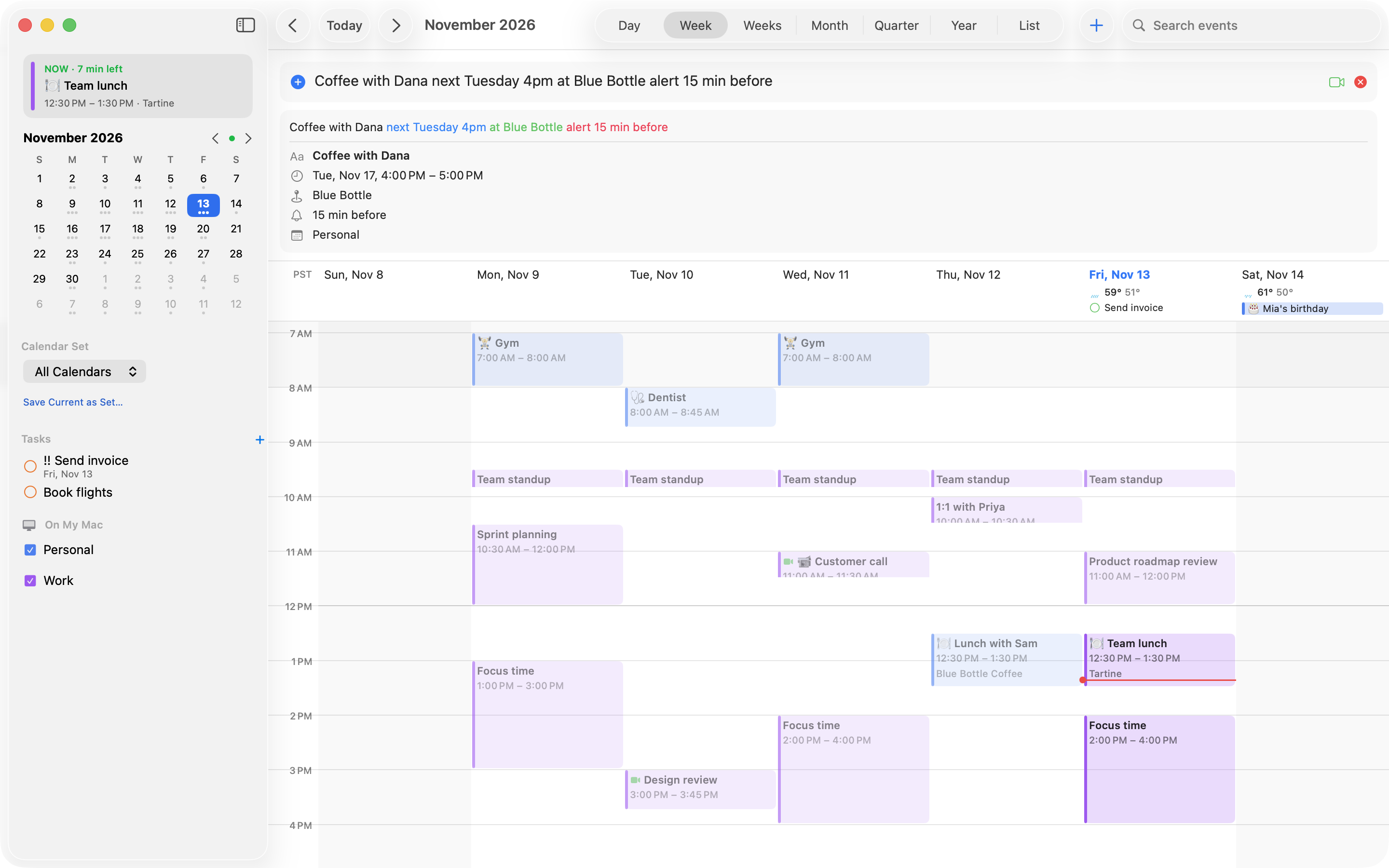
Almanac lives in your menu bar with today’s date on the icon. Click it for the month at a glance and your upcoming days — ready to add, join or reschedule without opening anything else.
- Optional countdown or next-event title next to the icon
- A join button appears a few minutes before a call
- Global shortcut (⌃⌥Space) opens it from anywhere
- Drag it off to keep it as a floating window

See your time the way you think.
Day, week, multi-week, month, quarter, year and list. Drag to create, move and resize — or drag a task onto your day to block time for it.


Every detail, right where you need it.
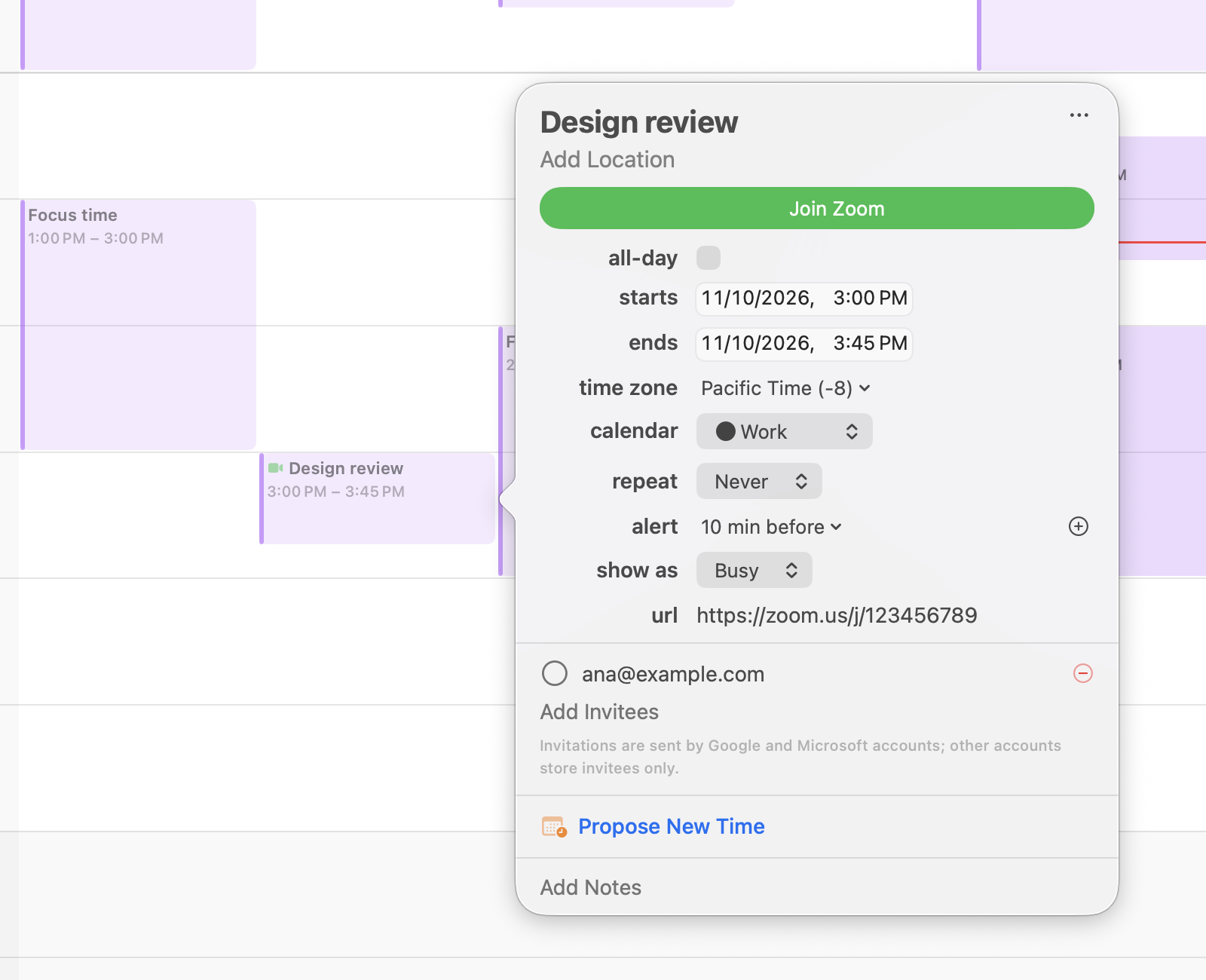
Click any event to change its time, time zone, calendar, repeat, alerts and invitees — and see a map with travel time.
- RSVP to Google and Microsoft invitations
- Invitee responses, organiser and optional guests
- “Propose new time” with everyone’s availability
- Time to leave, based on driving, walking or transit
Never hunt for a meeting link again.
Almanac spots Zoom, Teams, Meet, Webex, FaceTime and more in any event and gives you a Join button. Connect Zoom or Google Meet to add a fresh link to any event.
Works with the accounts you already have.
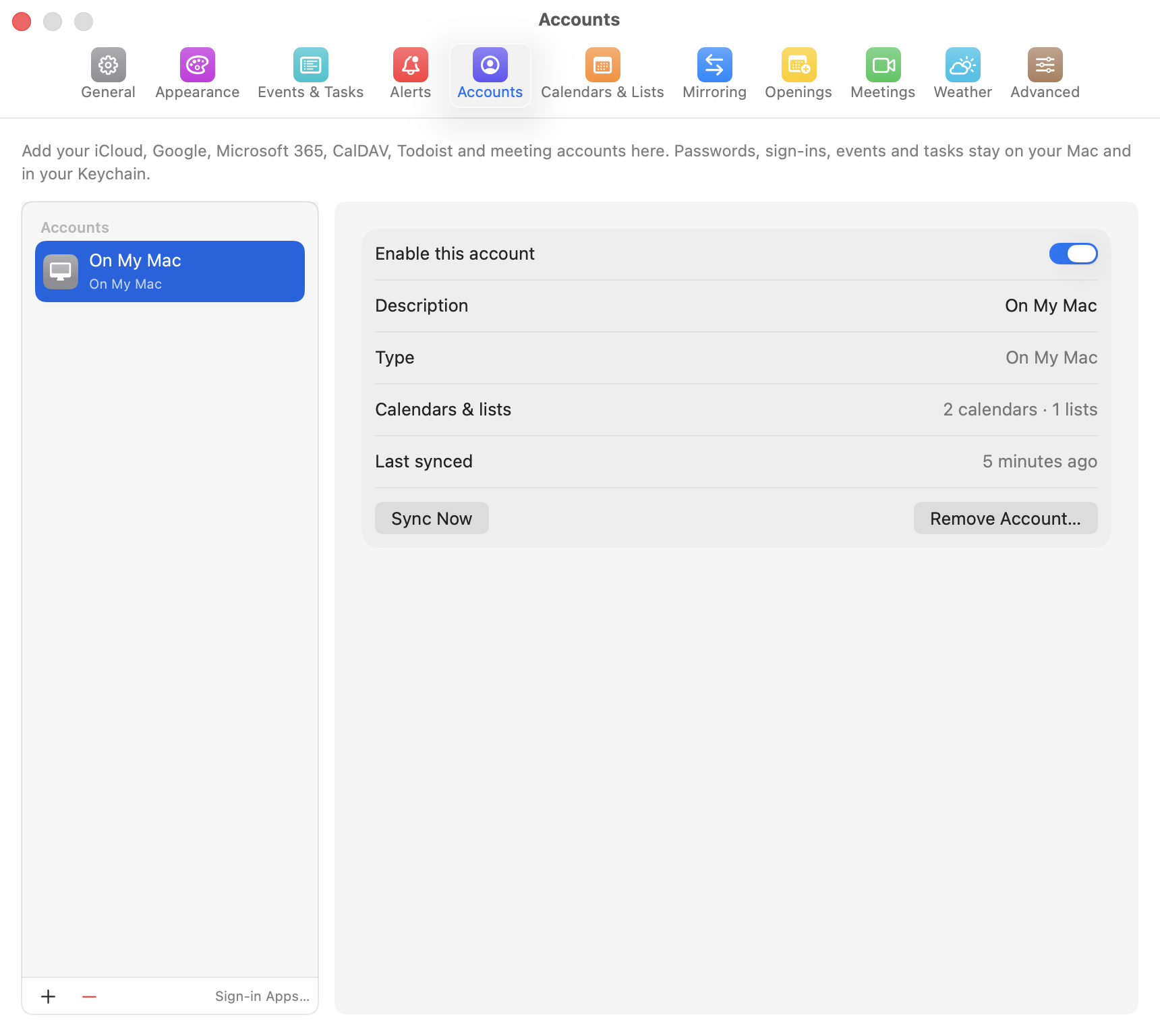
Almanac connects directly to each service — there is no Almanac server in between.
Private by design.
Your calendars, tasks and sign-in tokens stay on your Mac. Almanac talks to Google, Microsoft, Zoom and your other services directly from your computer, and stores passwords in your macOS Keychain. We don’t run servers that receive your data, and we don’t sell or share anything.